Archive for June 24th, 2008

Jun
24
Filed Under (Technology) by Thejesh GN on 24-06-2008

I have seen developers writing toString method in each of their bean class. The purpose is to print the bean variables for logging or debugging purposes. I thought of reducing their effort by writing a generic toString method to have in their base bean class. It works for simple bean classes. Its no-brainer you can modify to work for others.


public String toString() {
	String lineSeaparator = System.getProperty("line.separator");
	StringBuffer buffer = new StringBuffer(lineSeaparator);
	buffer.append("|---------");
	buffer.append(this.getClass());
	buffer.append("---------|");
	buffer.append(lineSeaparator);
	Method[] methods = this.getClass().getMethods();
	if(methods != null && methods.length >0){
		Method method = null;
		for(int i =0; i< methods.length; i++){
			method = methods[i];
			if(method.getName().startsWith("get")
			&& !method.getName().startsWith("getClass")){
			buffer.append
                                (method.getName().replaceAll("get",""));
			buffer.append(" = ");
			Object[] params=null;
			try {
				buffer.append
                                   (method.invoke(this, params));
			} catch (Exception e) {
				buffer.append("  ");
			}
				buffer.append(lineSeaparator);
			}
		}
	}
	buffer.append("|---------------------------------------------|");
	buffer.append(lineSeaparator);
	return buffer.toString();
}

Any suggestions to improve are welcome.


Jun
24
Filed Under (Technology) by Thejesh GN on 24-06-2008

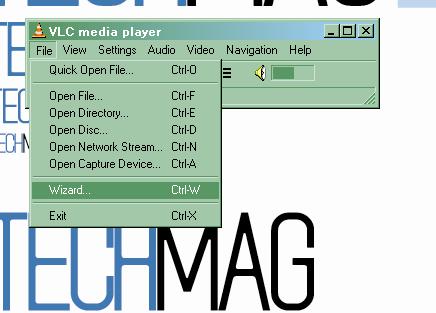
VLC is a player but also can be used to record a screen cast ( capture the screen as video).Here is the small how to do that. This works with portable VLC too. Start the VLC By going to the installation folder and running the command

>> vlc screen://

It will open the VLC and shows the screen exactly. It actually is streaming the screen


Read the rest of this entry »