Monthly Archive: June 2011
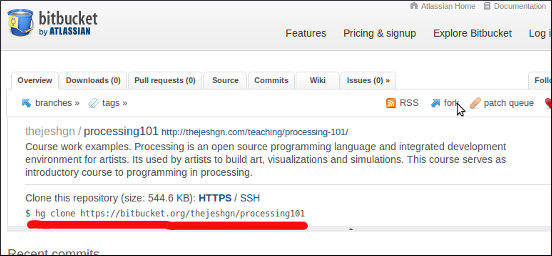
Mercurial is a free, distributed source control management tool. It efficiently handles projects of any size and offers an easy and intuitive. Bitbucket is a free code hosting site for the popular Mercurial distributed version control system. You know the reason why I chose Bitbucket/Hg as opposed to GitGub/git. This tutorial is my...
At some point of time course material of Processing will go online. I believe in true web and hence the presentations are in HTML. Last two days I was struggling to put some mathematical formulas with out breaking the web. The best I could find was MathJax. Its an open source JavaScript display...
Wanted to write about this from long time but never got that blogger urge until today. I had noticed this during my sabbatical but then it became much more after I quit. In most of those social meets I get asked “So where are you working now?” It seems for some reason where...