Tools for Screencasting
I have been doing longer screencasts these days. Some of them are for private consumption, and some are public. I am yet to master it fully. But I have come a long way. These are the tools that have helped me.
A container for all my views with excerpts from technology, travel, films, books, kannada, friends and other interests. I am Thejesh GN, friends call me Thej.
I have been doing longer screencasts these days. Some of them are for private consumption, and some are public. I am yet to master it fully. But I have come a long way. These are the tools that have helped me.
There is a good chance that you want to allow multiple developers to run their dags/tasks on your Digdag server. It’s painful to maintain the packages/dependencies they need to run their tasks. It specially becomes difficult if they conflict with each other. One way to solve it, is by having some kind of...
In this post we will learn how to manage secrets in Digdag and how to use them in the workflows.
DigDag has been a tool of choice to run data workflows and some batch jobs at First Walkin Technologies. I liked DigDag from day one. Just like any Unix tool, It does a limited set of things but it does them quite well. One of the things I really missed is to trigger...
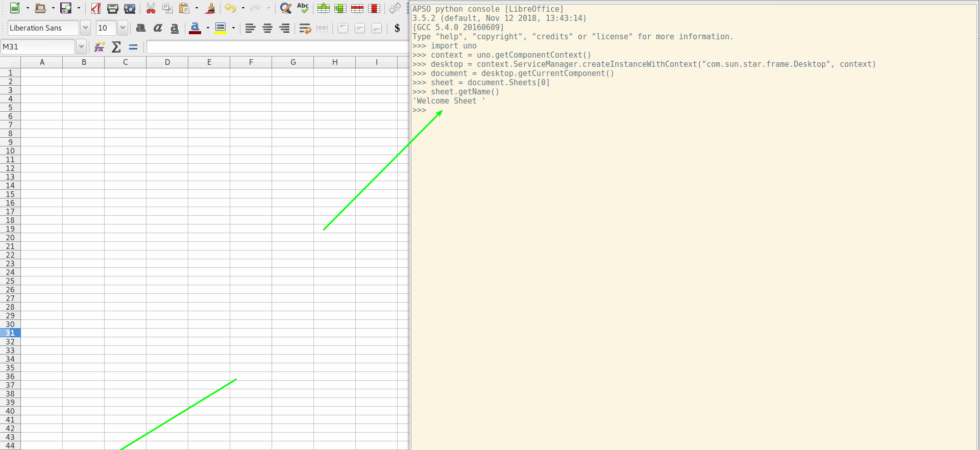
Are macros still useful? I think yes. Macros give the users ability to programmatically script the content. This can be really useful in many situations to automate the stuff. Of course there are many reasons not use them. Historically they have been proven very dangerous. Specifically the documents that you receive through email...
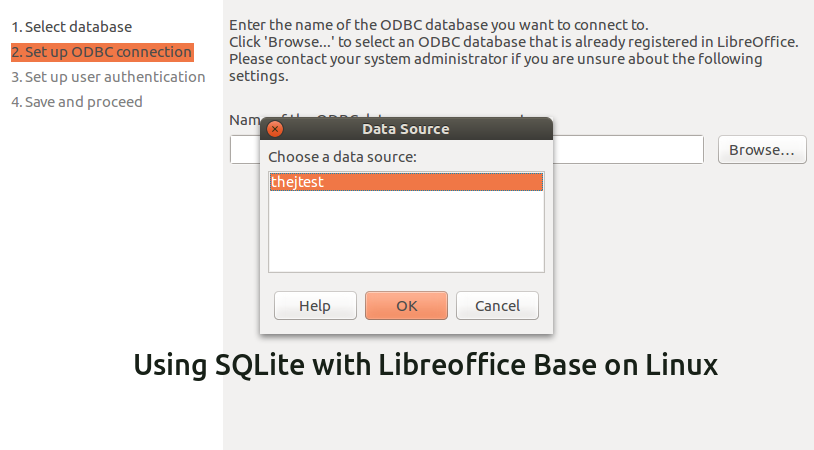
I love SQLIte for its simplicity, portability and stability. Most of my personal projects use SQLite as the database. For most I suggest using DB Browser for SQLite (DB4S) project which has a great UI, is open source and cross-platform. But I still know some who like to use LibreOffice Base. LibreOffice is...
There are many ways to subscribe to this blog. Email is probably the best.
Thejesh GN (ತೇಜೇಶ್ ಜಿ.ಎನ್) "Thej" is an Independent Technologist, Hacker, Maker, Traveler, Blogger, InfoActivist, Open data and Open internet enthusiast from Bangalore, India. He loves experimenting with all things life and hence some times he is called hacker and other times duct tape. You can read more about him here. Email [ i @ thejeshgn dot com]. PGP/GPG Keys are here.







(C) Thejesh GN. The views expressed on this site are mine (Thejesh GN) alone and do not necessarily reflect the views of my employer. Please read the terms and conditions before reading or commenting on this blog.